STL vs 3MF: which file should you 3D print?
An STL holds only a shape; a 3MF also keeps units, colours, parts, plates and print settings. What each file does, and when to use which.
3 min read
- File formats
- STL
- 3MF
- Multicolour

Every print starts as a file you open in a slicer, and two formats cover almost all of them: STL, which dates from the first 3D printers of the late 1980s, and 3MF, published by the 3MF Consortium in 2015. Both describe a shape, but they carry very different amounts of information, and that decides which one to reach for.
What an STL file holds
An STL is a list of triangles that together make the outside surface of the model. That is all it holds. There is no unit, no colour, no material and no print setting. A model made of several parts arrives either as one merged surface or as several separate files, one per part.
Because there is no unit, slicers assume millimetres. A part drawn in inches loads 25.4 times too small, which is why you sometimes open a download and find a speck in the middle of the plate. Scaling it by 2540% fixes it.
What a 3MF file holds
A 3MF is a ZIP archive with XML files inside. It stores the mesh more compactly than an STL, because neighbouring triangles share their corners, and it names its unit. On top of that it can hold several objects, the parts inside each object, the colour or filament each part uses and a thumbnail picture.
Slicers go further and save whole projects as 3MF: Bambu Studio, OrcaSlicer and PrusaSlicer all do. A project 3MF keeps the plates, where each object sits, the printer and filament profiles, supports and modifiers, and any pauses or colour changes. Open it and it is ready to slice again, exactly as it was saved.
When to use which
A single-colour part you want anyone to open: STL still works in every slicer and in most modelling and CAD software.
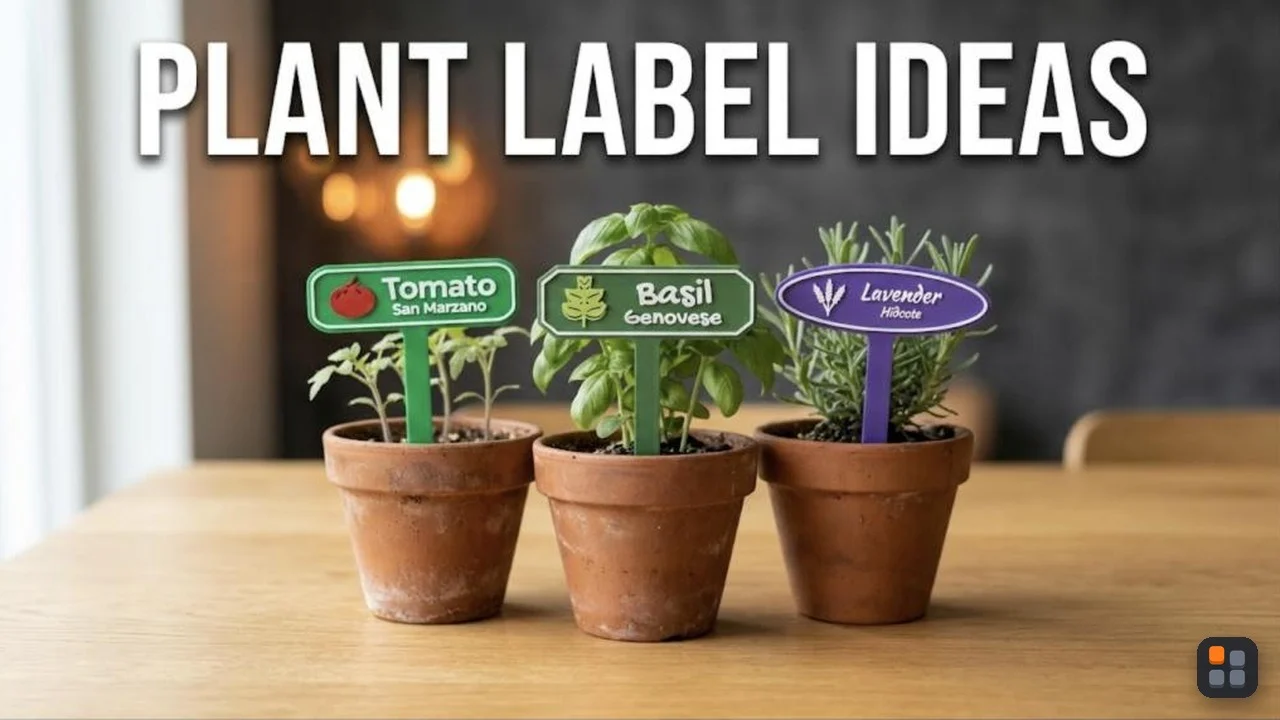
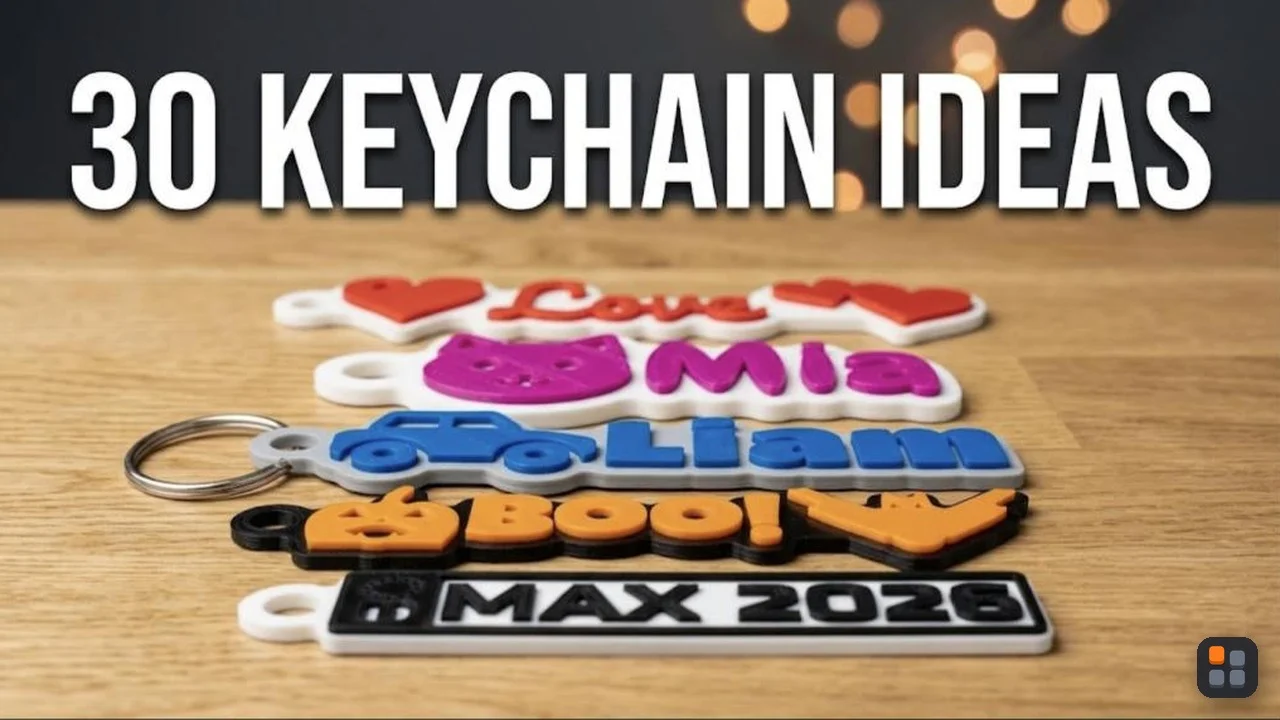
A multicolour or multi-part print: 3MF, because it keeps which part is which colour and where each part sits. With STLs you load every part separately, line them up and assign the colours by hand.
A print that is ready to go, for a friend or a model site such as MakerWorld or Printables: a project 3MF, so they can pick their printer and press print.
A shape you will change later: neither. Keep the original design file (a CAD file or a STEP export), and make STLs or 3MFs from it.
Opening a 3MF made for another printer
A project 3MF remembers the printer it was made for. When you open one made for a different printer, or in a different slicer, the slicer may offer to load only the shapes, without the settings. Loading only the shapes keeps your own printer and filament profiles, and the colours and parts usually come along. Check the plate before you print either way: a model laid out for a bigger bed can hang over the edge of a smaller one.
The short answer
Share a simple shape as an STL if you want the widest reach. For anything with colours, several parts or settings worth keeping, use 3MF: it is the format that describes a print, not just a shape.